Training for GitHub Foundations Certification
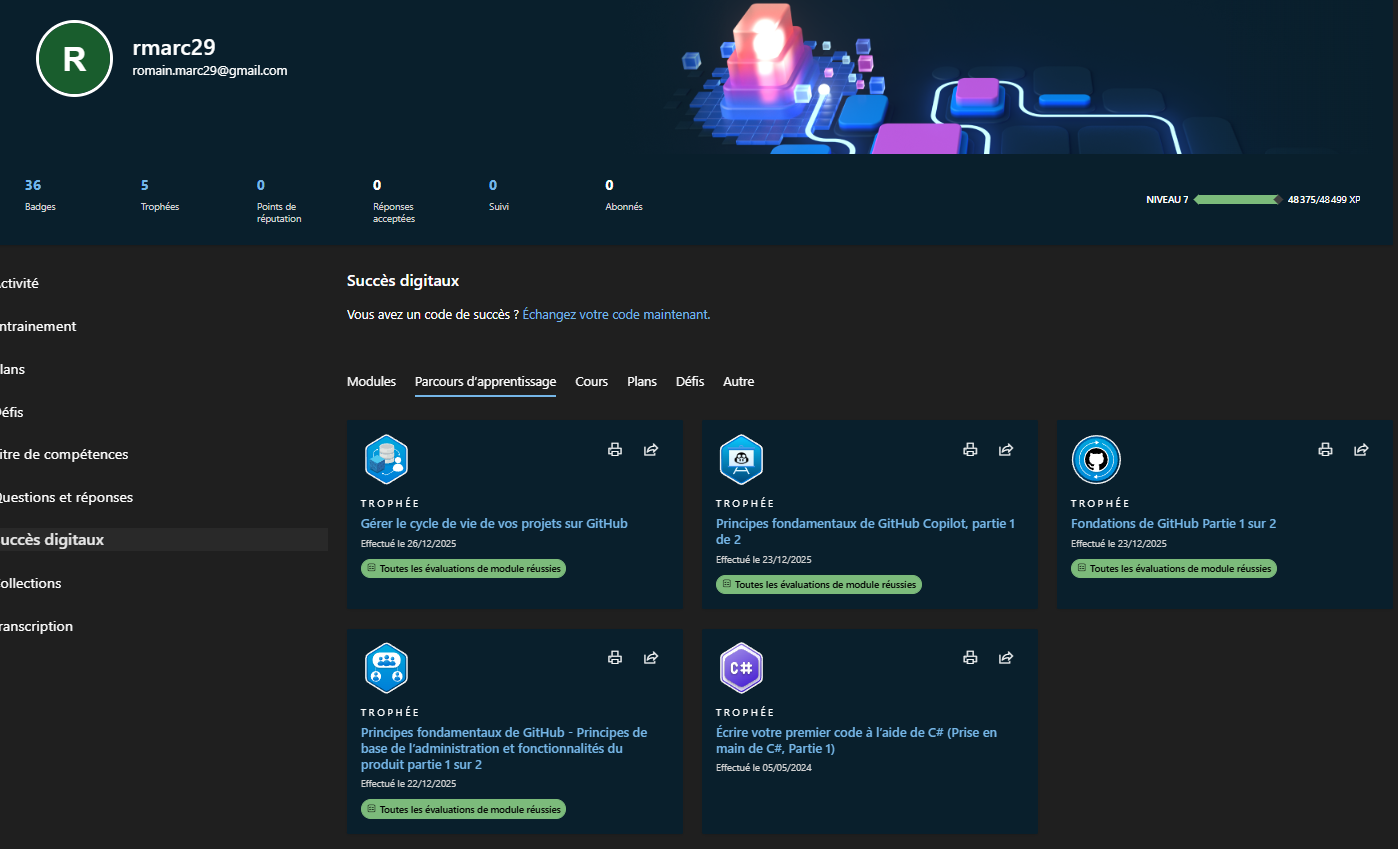
In order to enhance my skills in version control and collaborative software development, I undertook the GitHub Foundations course on Microsoft Learn. This training provided me with a comprehensive understanding of GitHub’s core features and best practices for using Git in a team environment.
The course covers essential topics such as repository management, branching strategies, pull requests, and issue tracking. By completing this training, I have gained the ability to effectively manage codebases, collaborate with other developers, and contribute to open-source projects.
I successfully completed 28 Microsoft Learn modules and earned corresponding badges, demonstrating comprehensive expertise across GitHub’s full platform:
GitHub Fundamentals (5 badges)
Introduction to Git
Introduction to GitHub
Presentation of GitHub Administration
Introduction to GitHub Products
Secure Repository Management using GitHub Best Practices
Collaboration & Version Control (4 badges)
Managing Changes with Pull Requests on GitHub
Resolving Concurrent Commits using Merge Conflict Resolution
Searching and Organizing Repository History with GitHub
Uploading Your Project using GitHub Best Practices
Advanced Repository Management (2 badges)
Migrating Your Repository using GitHub Best Practices
Authenticating and Authorizing User Identities on GitHub
Automation & DevOps (3 badges)
Managing Software Delivery using GitHub Release-based Workflows
Automating GitHub using GitHub Script
Automating DevOps Processes using GitHub Apps
GitHub Copilot & AI (10 badges)
Introduction to GitHub Copilot
Getting Started with GitHub Copilot
Using Advanced GitHub Copilot Features
Developing Unit Tests using GitHub Copilot Tools
Developer AI Use Cases with GitHub Copilot
Customization and Management Considerations with GitHub Copilot
Introduction to Prompt Engineering with GitHub Copilot
Responsible AI with GitHub Copilot
Copilot Spaces Overview
GitHub Copilot in Different Environments: IDE Interface, Instant Chat, GitHub.com, and CLI Techniques
Development Tools & Best Practices (4 badges)
Communicating Effectively on GitHub using Markdown
Managing Your Work with GitHub Projects
Coding with GitHub Codespaces
Configuring Code Analysis on GitHub
Community & Open Source (2 badges)
Managing an InnerSource Program with GitHub
Contributing to an Open Source Project on GitHub

With GitHub Education, the exam is available for free, so you should definitely check if you have the student status on GitHub ! Note that the certification is valid for two years.
I’m continuing my learning and will pass the exam end of summer 2026.